Download Thorium Reader
Windows, macOS, and Linux
If you're on Windows, we recommend getting Thorium Reader from the Microsoft Store.
Direct downloads are also available for Windows, macOS and Linux.
iOS and iPadOS
Thorium Reader is available on the App Store for iOS, iPadOS and macOS devices running on Apple Silicon.
Frequently Asked Questions
Is Thorium Reader free?
Yes, Thorium Reader is free on all platforms.
It's developed by EDRLab (European Digital Reading Lab), a non-profit association dedicated to open standards, literacy and accessibility.
With Thorium Reader, we contribute directly to the development of Readium toolkits, used by hundreds of reading applications.
Which devices are compatible with Thorium Reader?
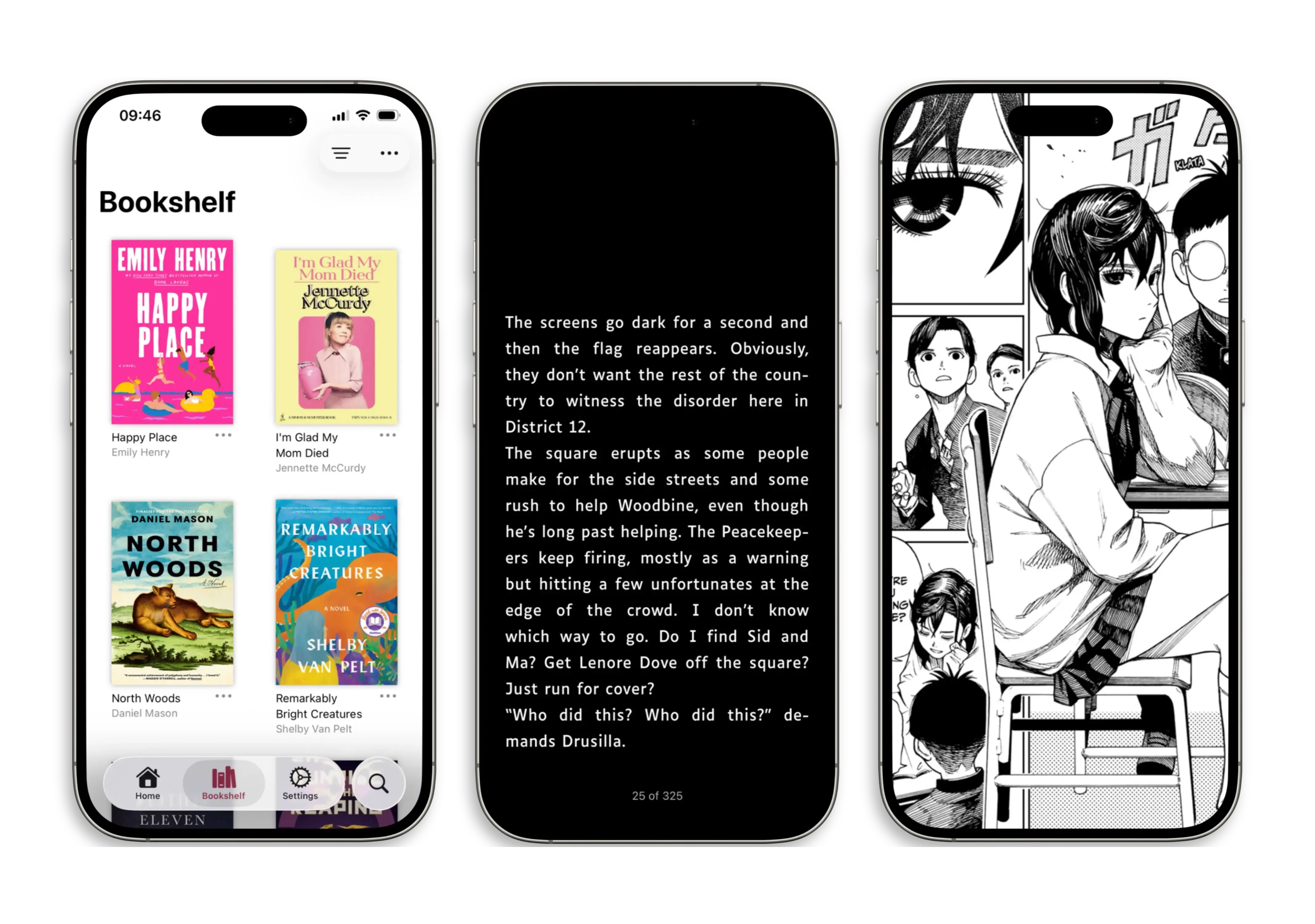
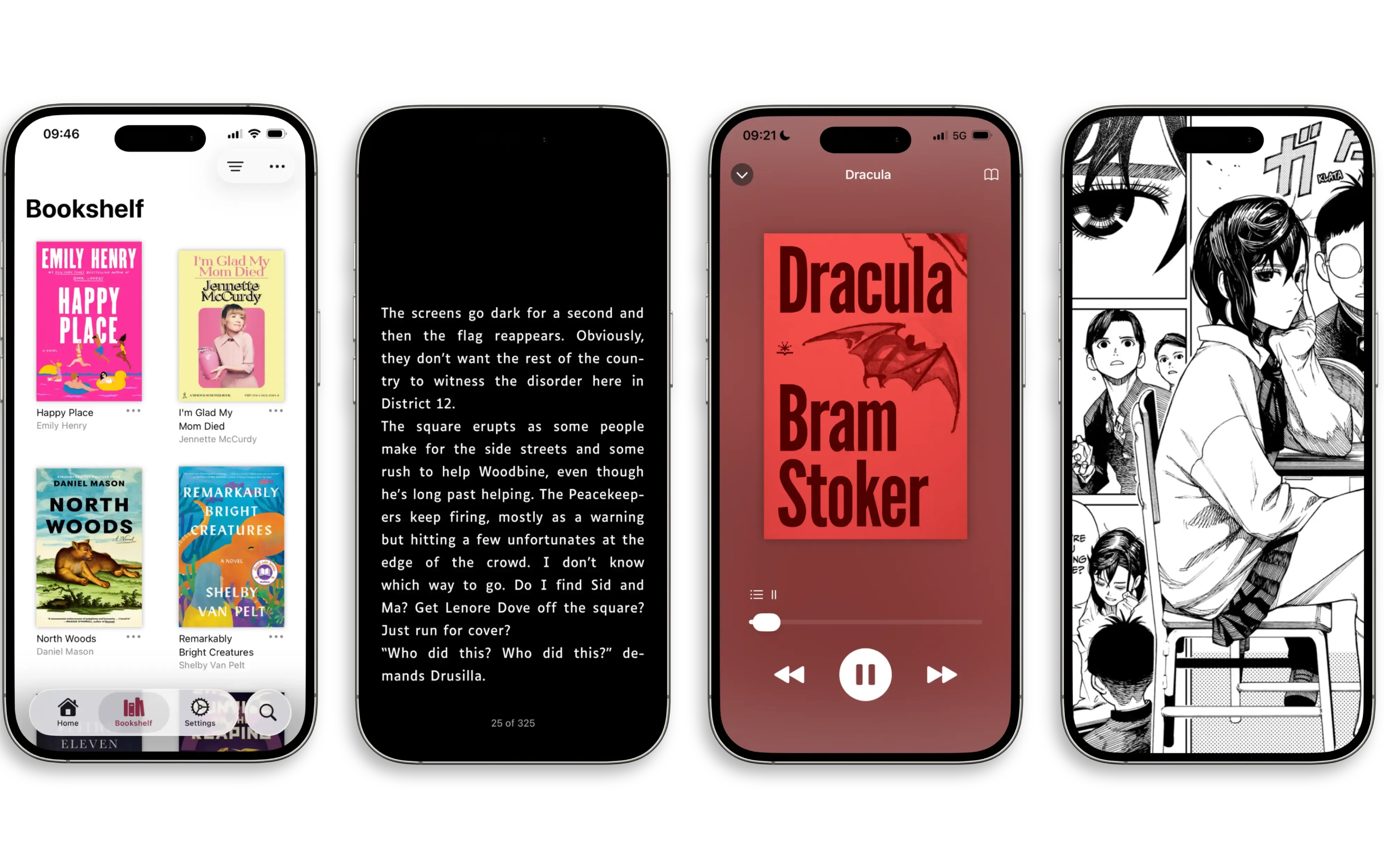
- If you own an iPhone or an iPad, Thorium Reader can run on any device running at least iOS/iPadOS 26
- On Windows, it requires Windows 10 and up
- On macOS, it requires macOS 12 Monterey and up
- Finally on Linux:
- Ubuntu 18.04 and up
- Fedora 32 and up
- Debian 10 and up
Which file formats are compatible with Thorium Reader?
Ebooks
- EPUB (.epub)
- Fixed Layout EPUB (.epub)
- PDF (.pdf)
Audiobooks
- Readium Audiobooks (.audiobook)
- MP3 (.mp3)
- MP4 (.m4a and .m4b)
- FLAC (.flac)
- WAV (.wav)
- AAC (.aac)
Comics and Manga
- CBZ (.cbz)
- Fixed Layout EPUB (.epub)
- PDF (.pdf)
Can I open DRM protected files with Thorium Reader?
Yes, as long as they use Readium LCP, an interoperable ISO standard for DRM.
Readium LCP protected files use a license file (with an .lcpl file extension) that's compatible with EPUB, PDF or Readium Audiobooks.
Can I use Thorium Reader offline?
Yes, as long as you're reading or listening to publications that you've downloaded rather than streamed.
To read LCP protected files, Thorium Reader needs an online access at least once, but it doesn't require a connection after that.
Can I buy ebooks, audiobooks, comics or manga from a retailer?
Yes, Thorium Reader is compatible with any retailer that sells Readium LCP protected or DRM free publications.
Check our support page to explore a list of retailers that you can buy content from and read in Thorium Reader.
Can I borrow ebooks, audiobooks, comics, manga, newspapers or magazines from a library?
Yes, as long as your library uses Readium LCP to protect these downloads using a format compatible with Thorium Reader.
In the future, we'll also embed a list of libraries directly in our app, making it easier to browse, search, place a hold and borrow.
Can I download free content with Thorium Reader?
Yes, Thorium Reader is fully compatible with Project Gutenberg, Librivox and many other sources that you can download public domain or open licensed content from.
In the future, we'll also embed a number of them directly in our app, to make it easier to download free ebooks and audiobooks.